Buy
Price 2.520,17 €
Demo
Test it
Fall in love
Or simply send it back
Register now and get the Schwerkraftmaschine for
- You register.
- We send you the device to your studio by appointment.
- You try it out for 14 days.
- Then you decide if you want to keep it.
- If not, you can return it without any ifs or buts.
Description
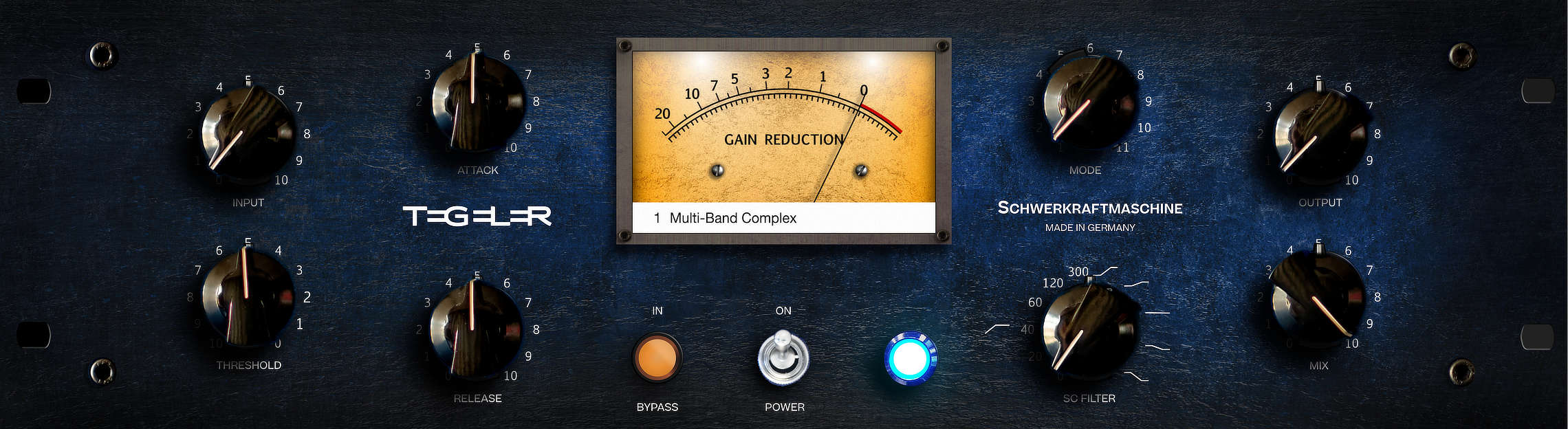
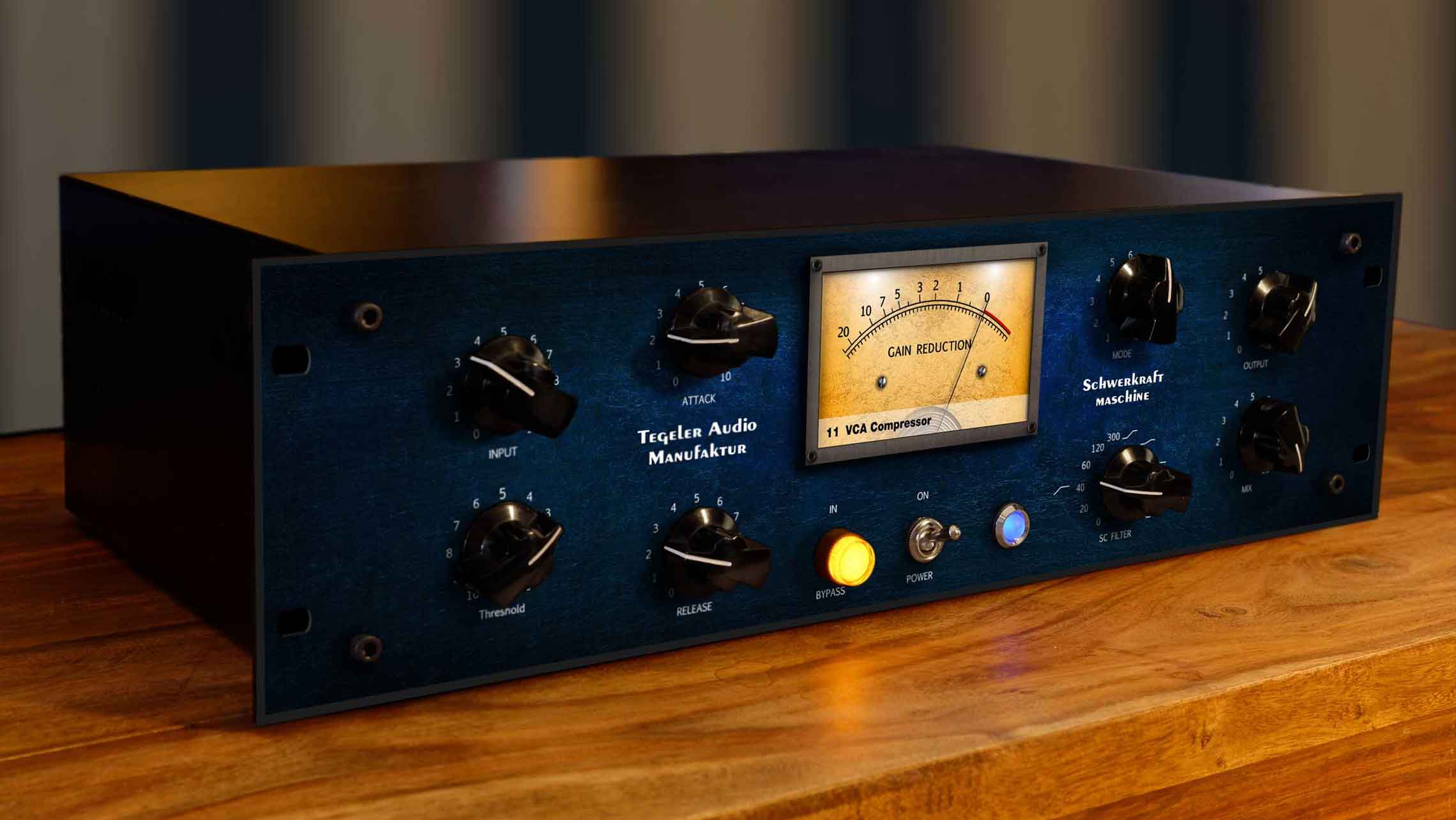
Schwerkraftmaschine
Remote Controllable Vari-Mu Mastering and Bus Compressor
Which compressor does this song need?
The vocals ask for an optical compressor. The drums want a VCA. The mix bus likes a gentle Vari-Mu. Usually that decision is made by whatever happens to sit in your rack.
In the Schwerkraftmaschine, the audio runs through a fully analog tube signal path, while the control signal that decides how to compress is calculated digitally. So the same tubes and transformers can follow the rules of an optical compressor on Monday, a VCA on Tuesday, and a program that never existed in any analog circuit on Wednesday. You choose a mode instead of buying another compressor.
This machine carries the sum of everything we have learned, together with all the feedback we received on the VTC. The result is a Vari-Mu compressor without equal. “The Compressor.”
How the Schwerkraftmaschine polishes the sound
In the Schwerkraftmaschine, the signal passes through a total of three transformers and two double triodes per channel.
Why does this matter? Tubes, and especially triodes, add harmonic overtones to the signal that the human ear finds pleasing, while improving our perception of individual sounds.
The individual instruments gain additional presence through the tubes.
Through the conversion of electricity into magnetic fields and back, the transformers and their non-linearities increase the density of the sound before any compression happens.
The bass becomes cleaner and more defined. The high frequencies are pleasantly rounded.
Only the control signal is digital. The audio path itself stays fully analog from input to output, and that is exactly why a compressor with eleven personalities still sounds like tube hardware.
The Schwerkraftmaschine makes the difference between “well mixed” and “sounds perfect”.

Eleven compressors to choose from
Generating the control signal digitally offers a flexibility that analog circuits alone cannot reach. It makes it possible to emulate the control behaviour of virtually any existing compressor.
You need the Schwerkraftmaschine to work like an optical compressor, including the memory effect, but with attack and release still adjustable? Done.
Soft like a Vari-Mu? Exactly like a VCA? Also done.
And because that alone would leave the machine underchallenged, we created programs that have never existed in any compressor before, generating the control signal from complex rules.
We built and refined them in countless listening sessions. Pick the program that fits the song.

List of Modes
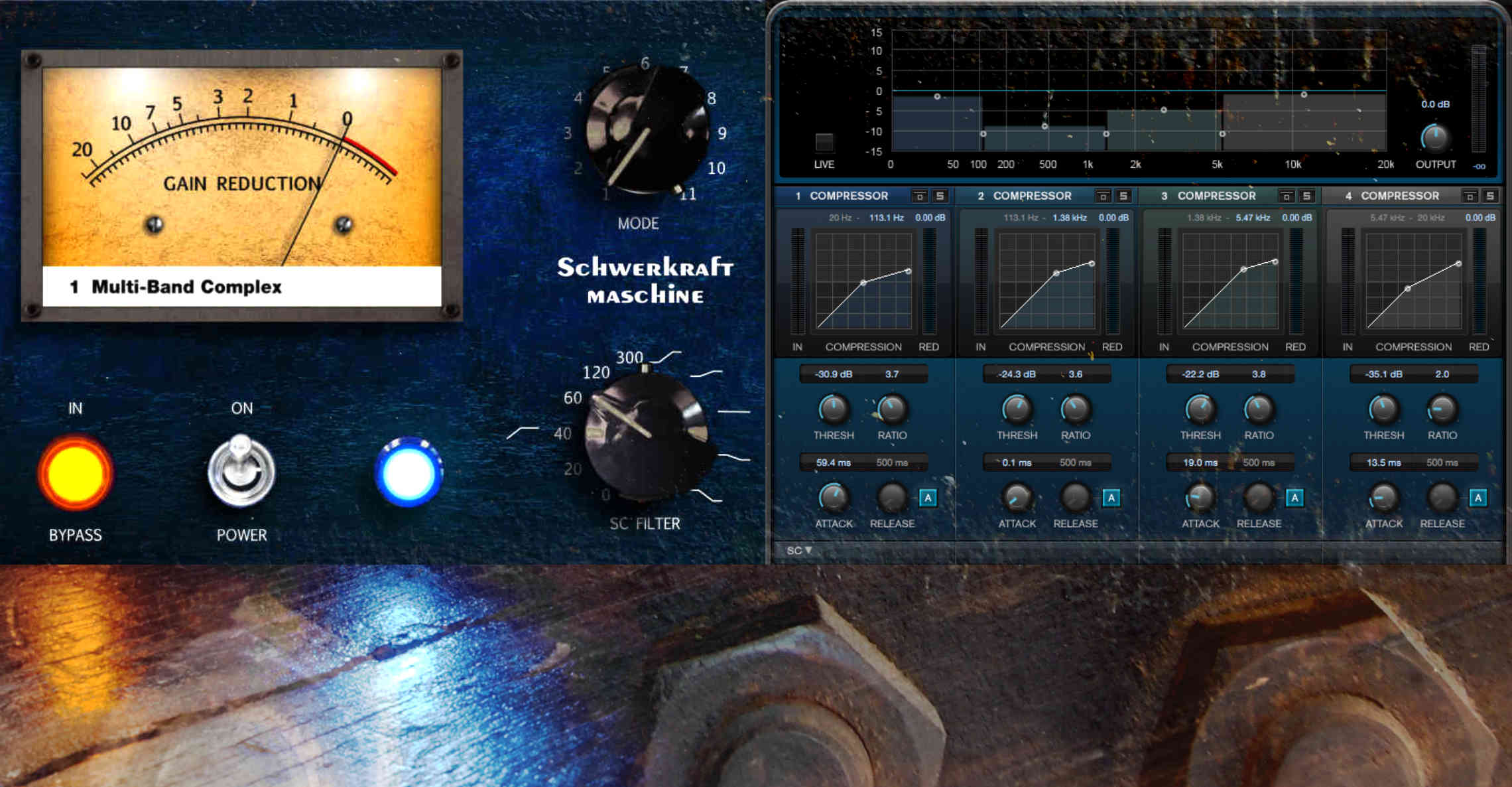
Multi-Band Complex
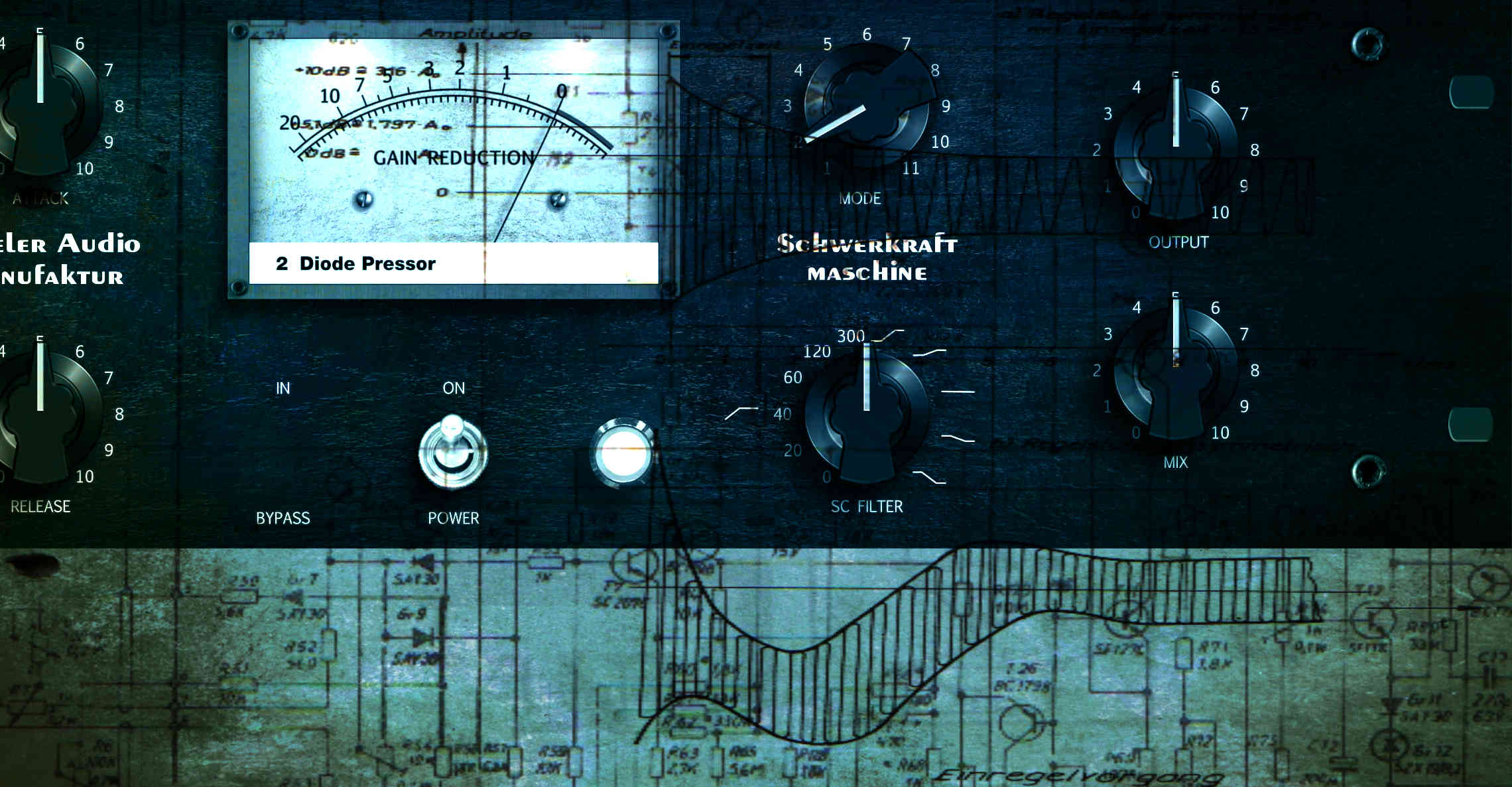
Diode Pressor
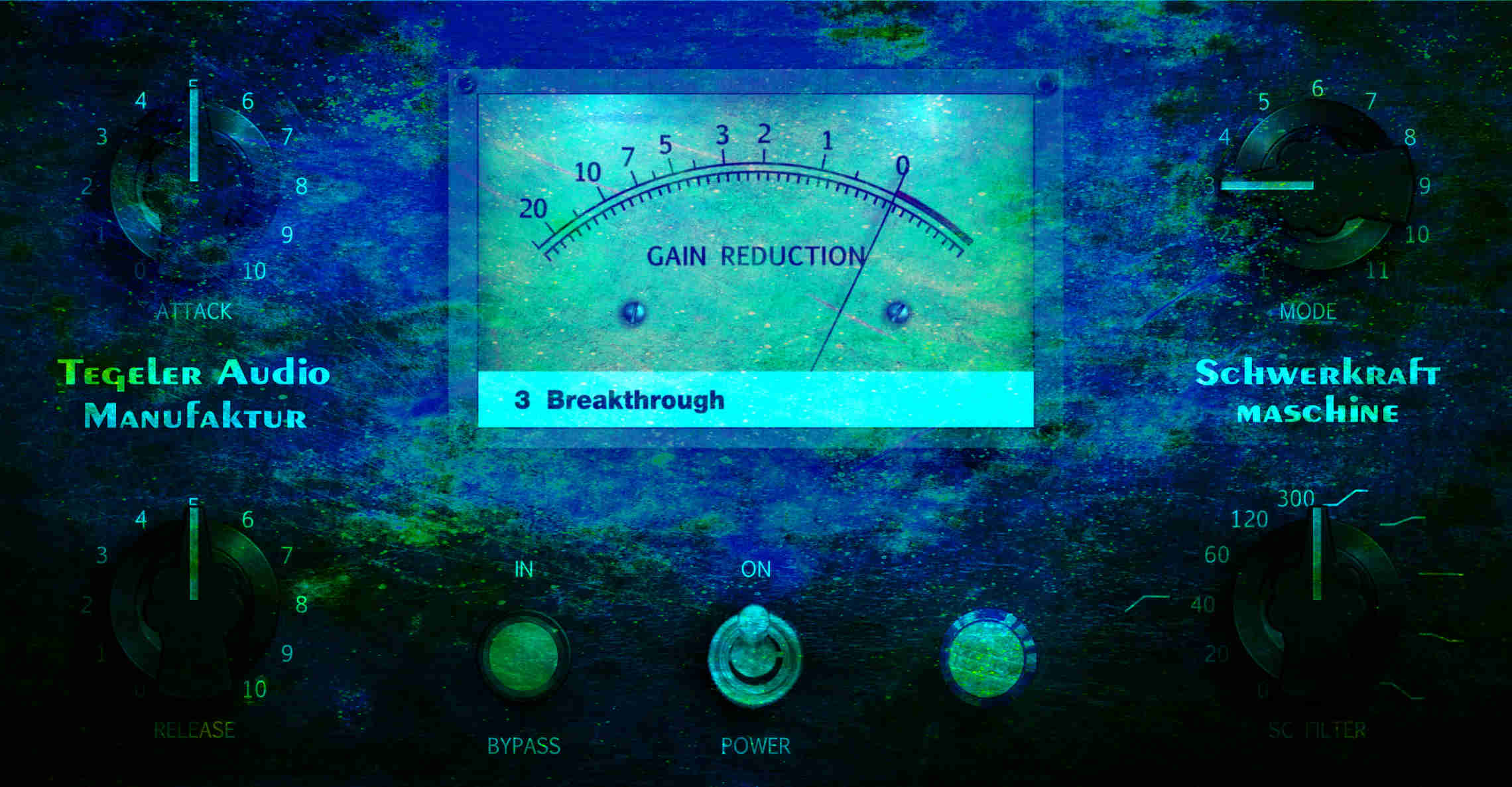
Breakthrough
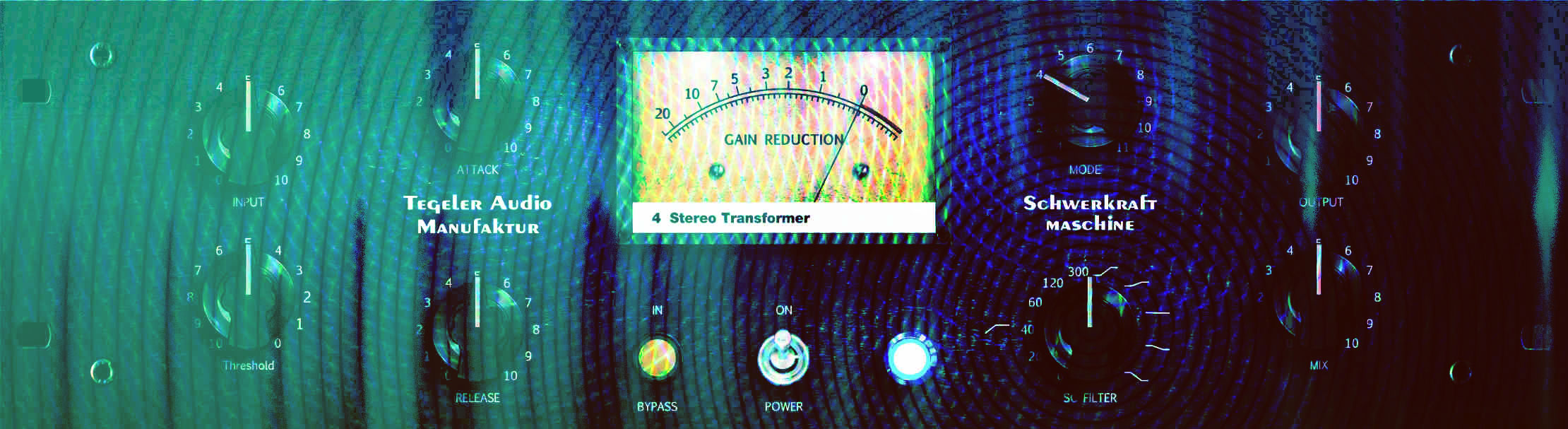
Stereo Transformer
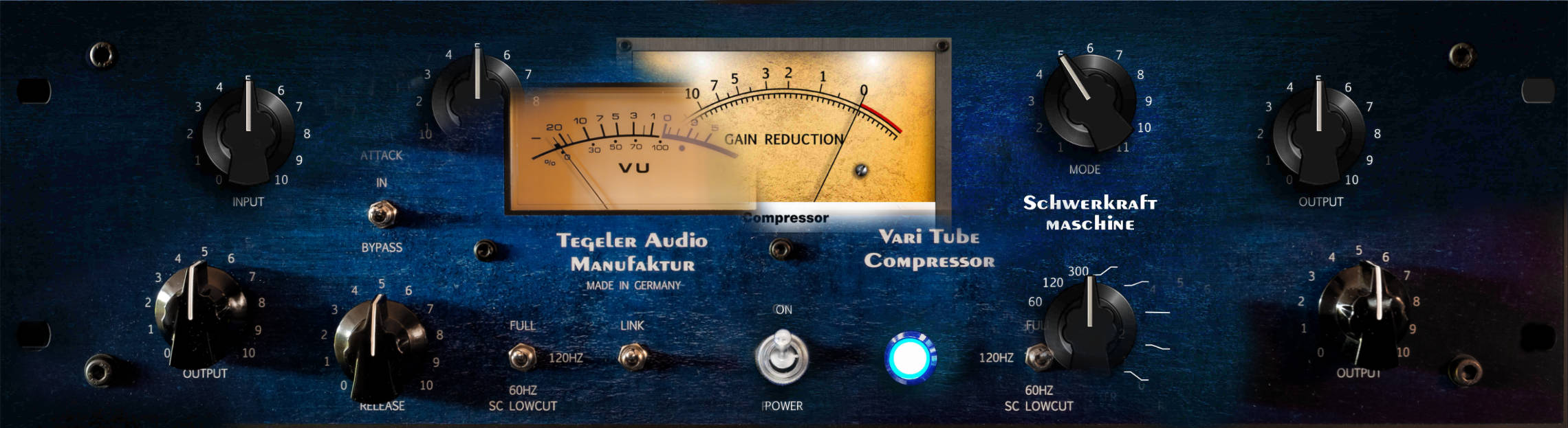
Vari Tube Compressor
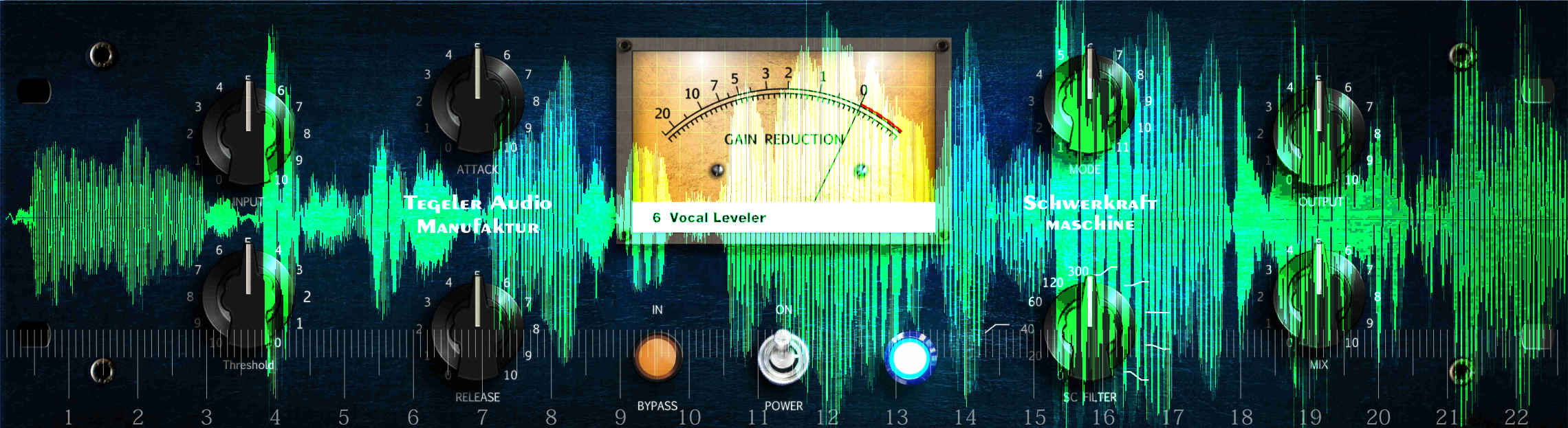
Vocal Leveler
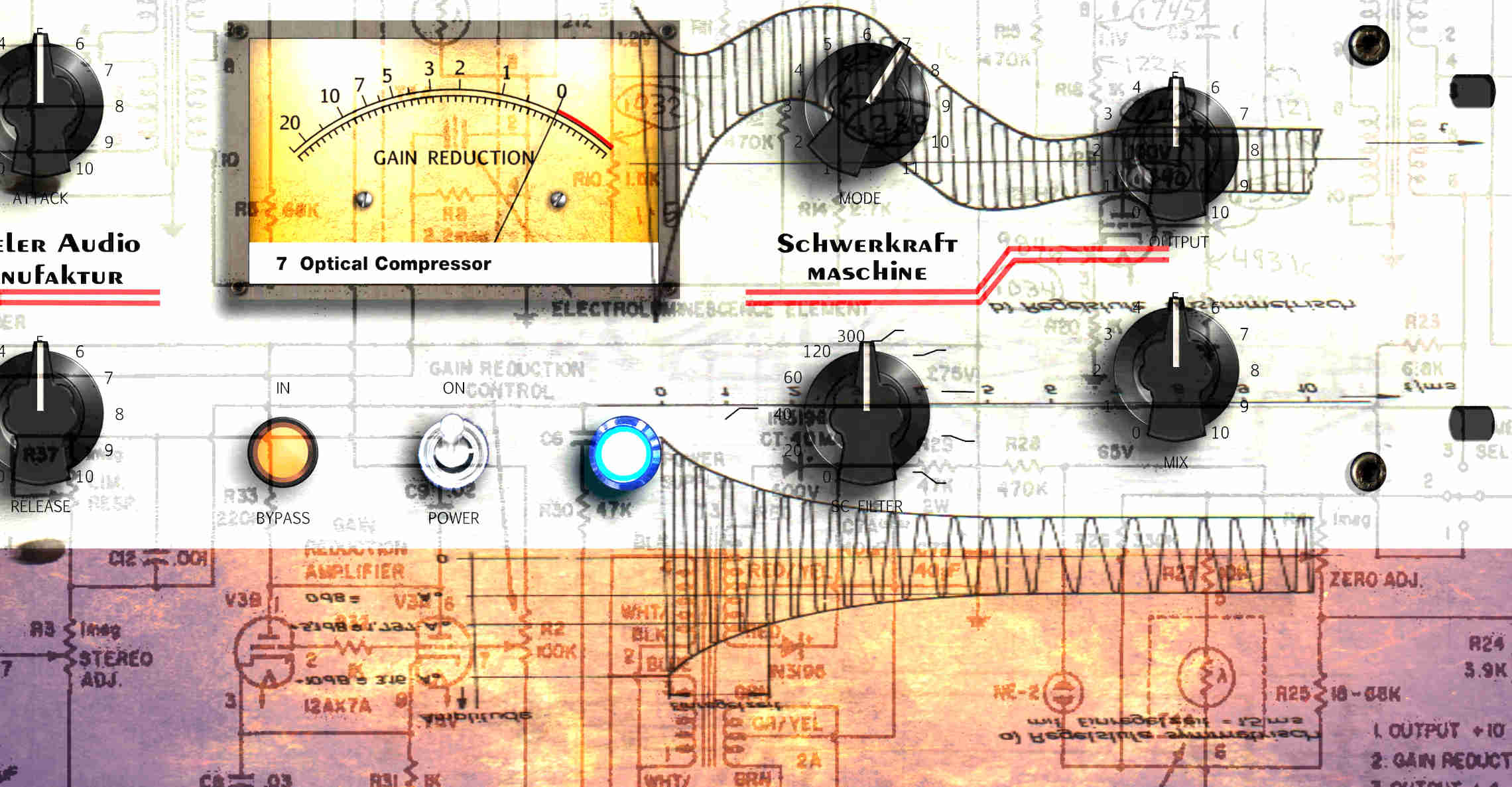
Optical Compressor
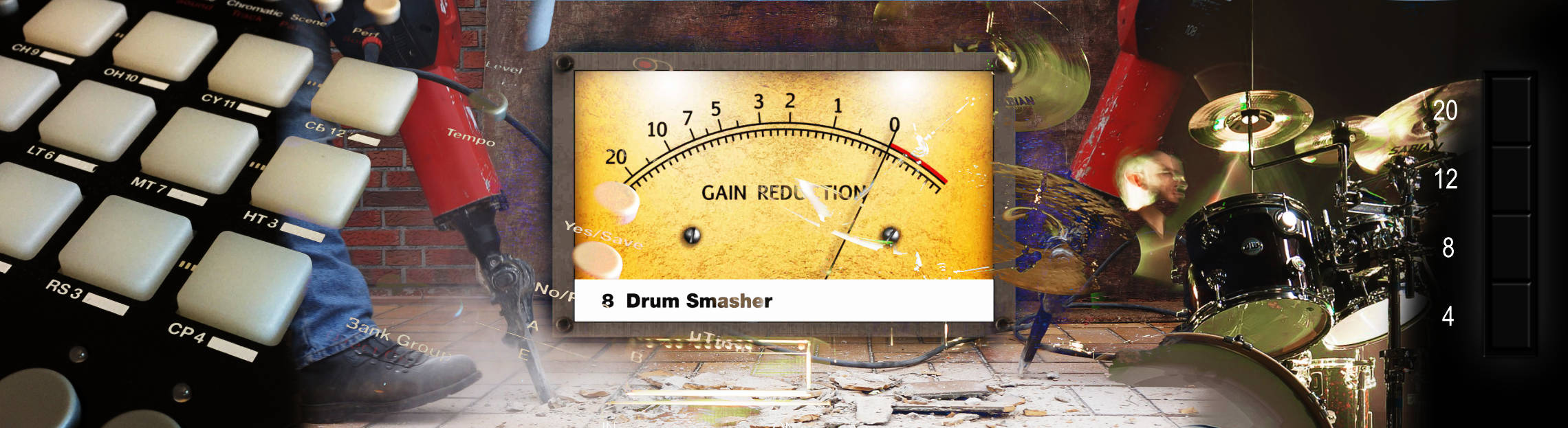
Drum Smasher
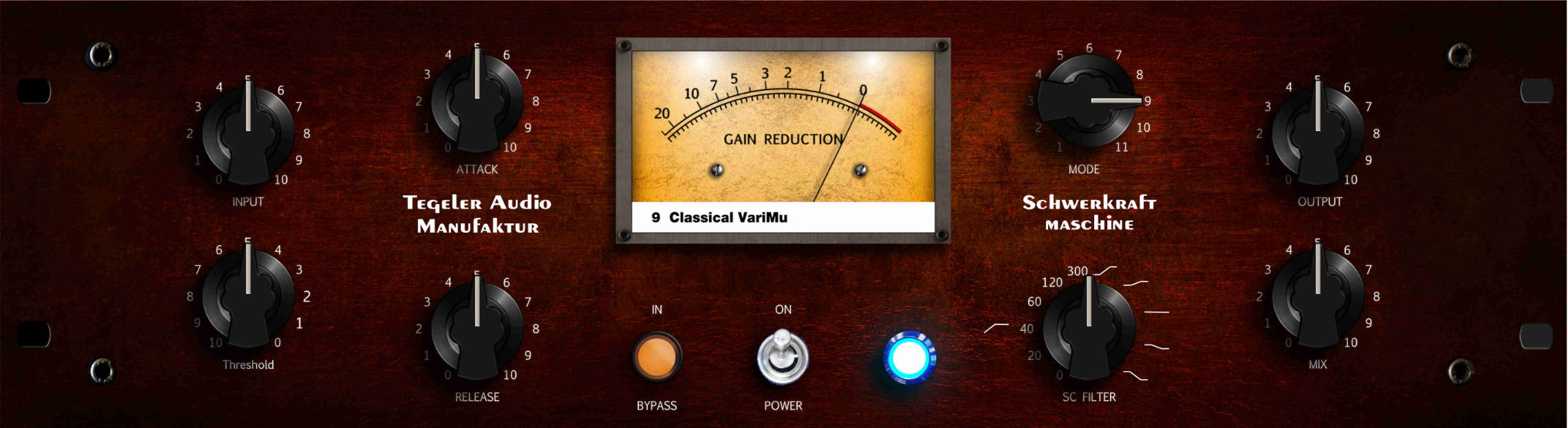
Classical VariMu
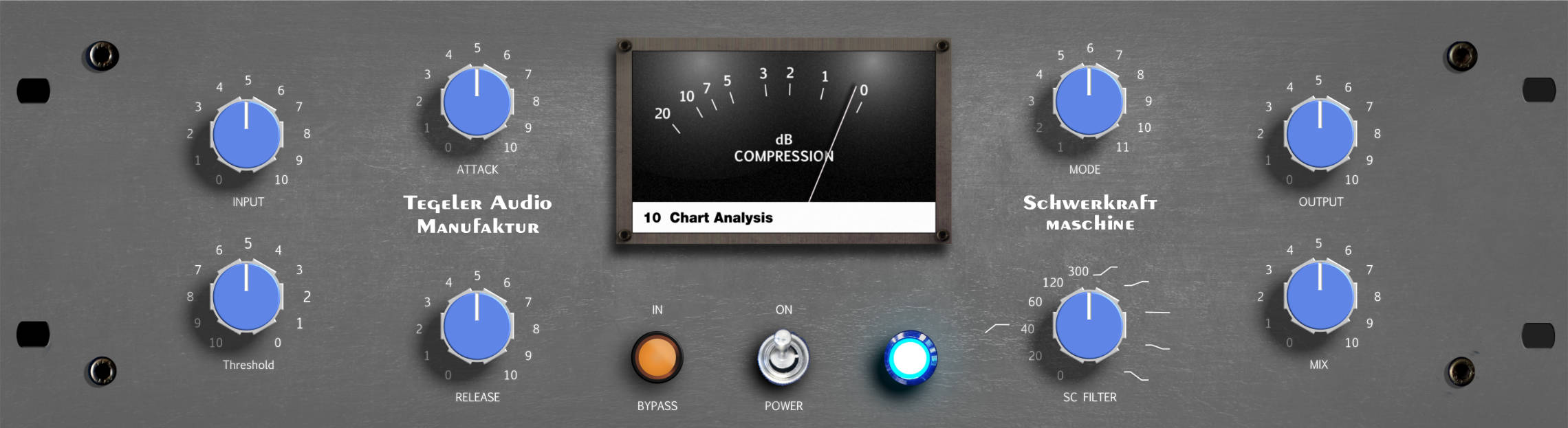
Chart Analysis
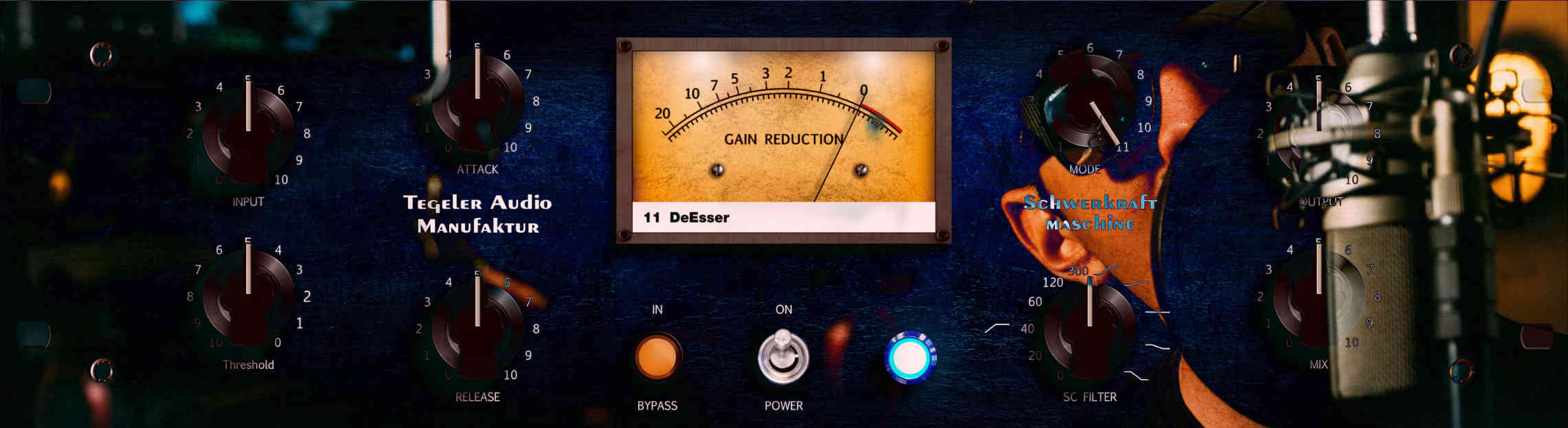
DeEsser
The side-chain filter
Prevent pumping with the low-cut filter.
Shift the focus towards the high or low frequencies with the tilt EQ.
The side-chain filter works in addition to the filters built into the compression modes.
The motor control
Every control is fitted with a servomotor which can move the pot into any position.You can step in whenever you want: a slip clutch combined with the software always gives your hands the priority.
You do not need any of this modern network stuff? No problem at all.
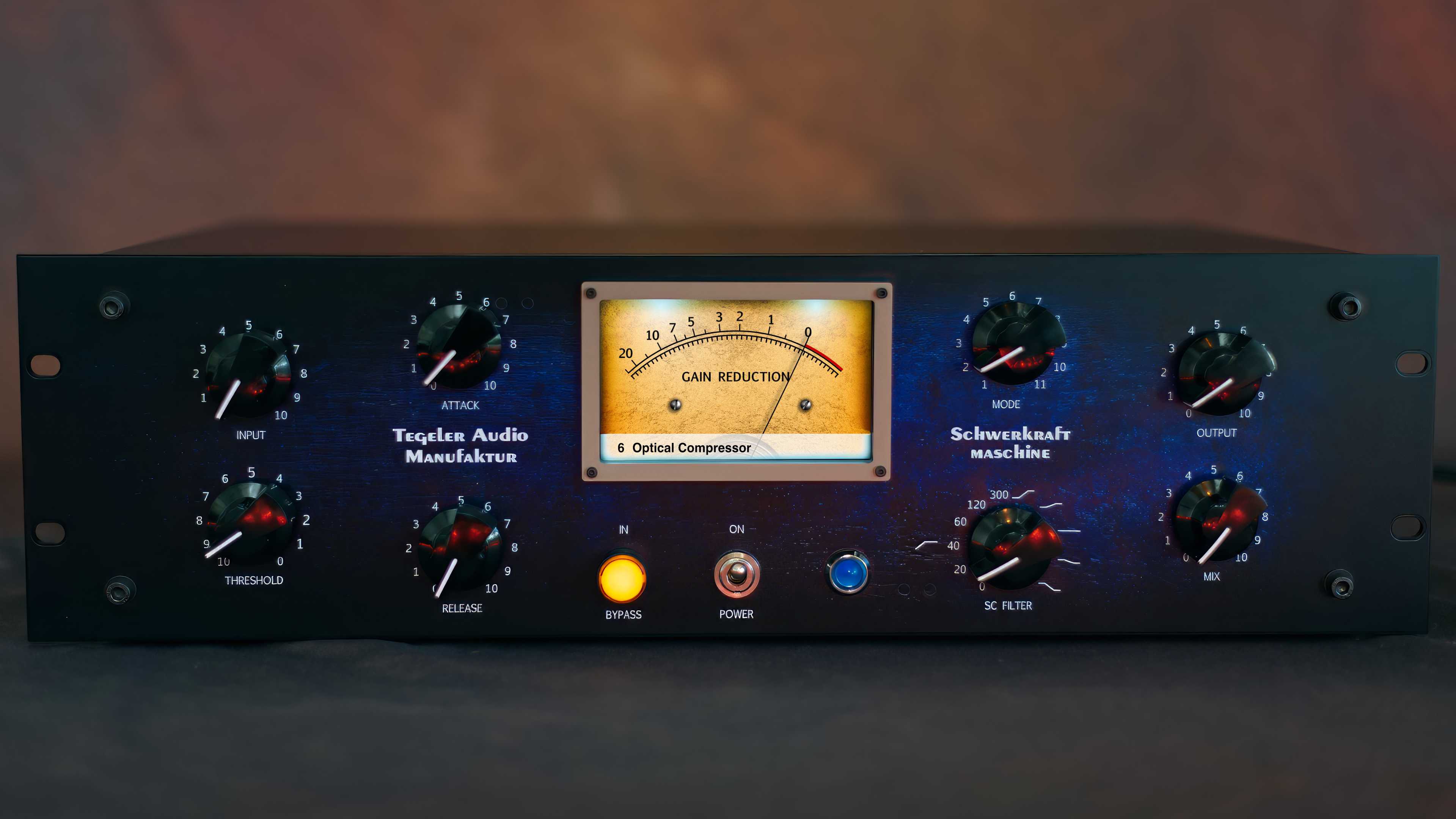
The Schwerkraftmaschine can be operated entirely from the front panel, where it behaves like any other piece of hardware.
The network connection
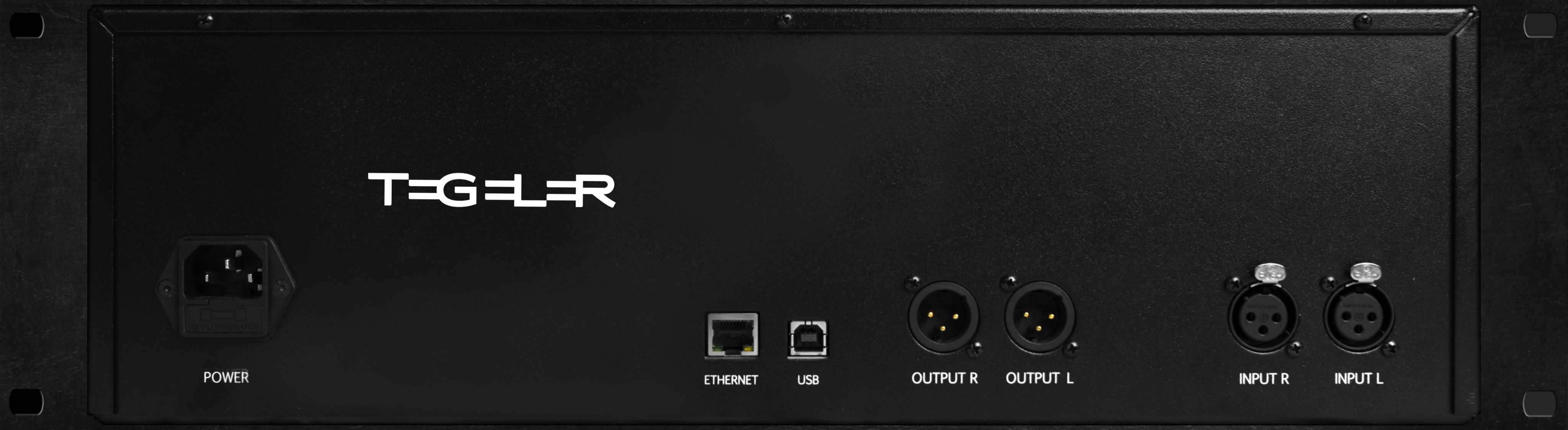
Connect the Schwerkraftmaschine to your network. It fetches the settings it needs automatically via DHCP.You could control the Schwerkraftmaschine from anywhere in the world: Sydney, L.A., or even Berlin.
The Plug-In
Or grab the knobs on the device itself. Both stay in sync.
When you save your song, the settings of the Schwerkraftmaschine are saved with it. Open the session again next week, and every knob turns back to exactly where it was. A tube compressor with a fully analog signal path and total recall: that is the part analog hardware normally cannot do. What that means for a mastering chain that lives on revisions, and where the Schwerkraftmaschine sits behind the EQP-1: Analog Mastering Chain: What Goes Where and Why.
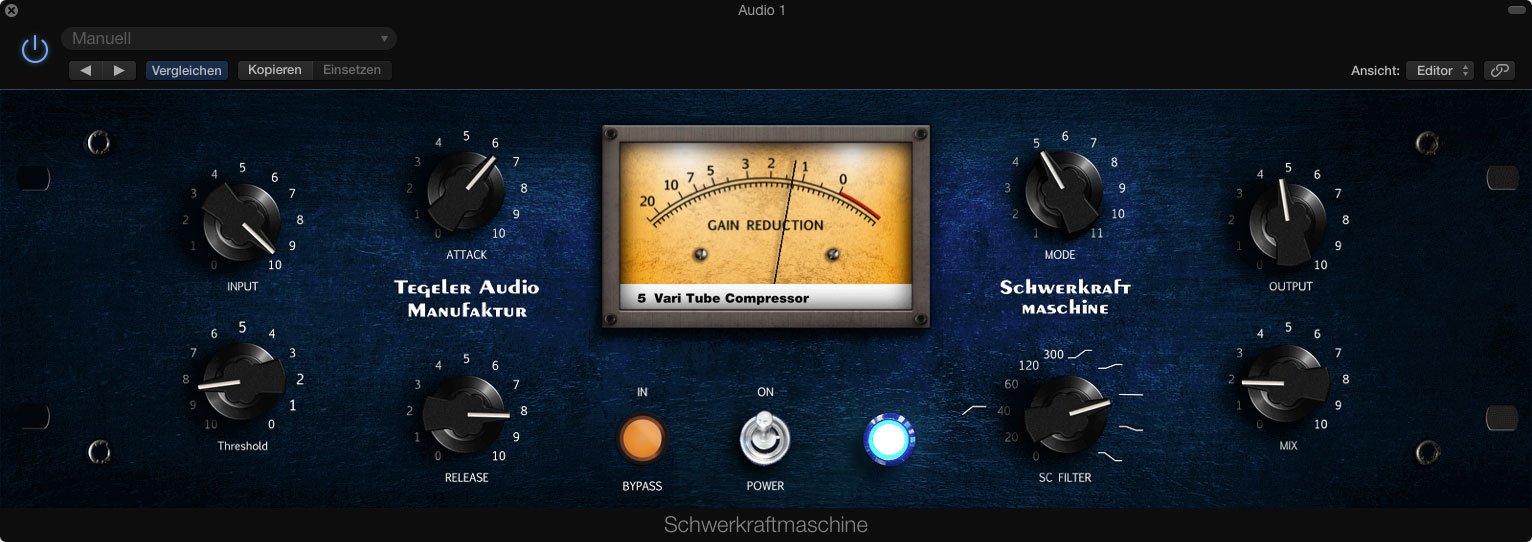
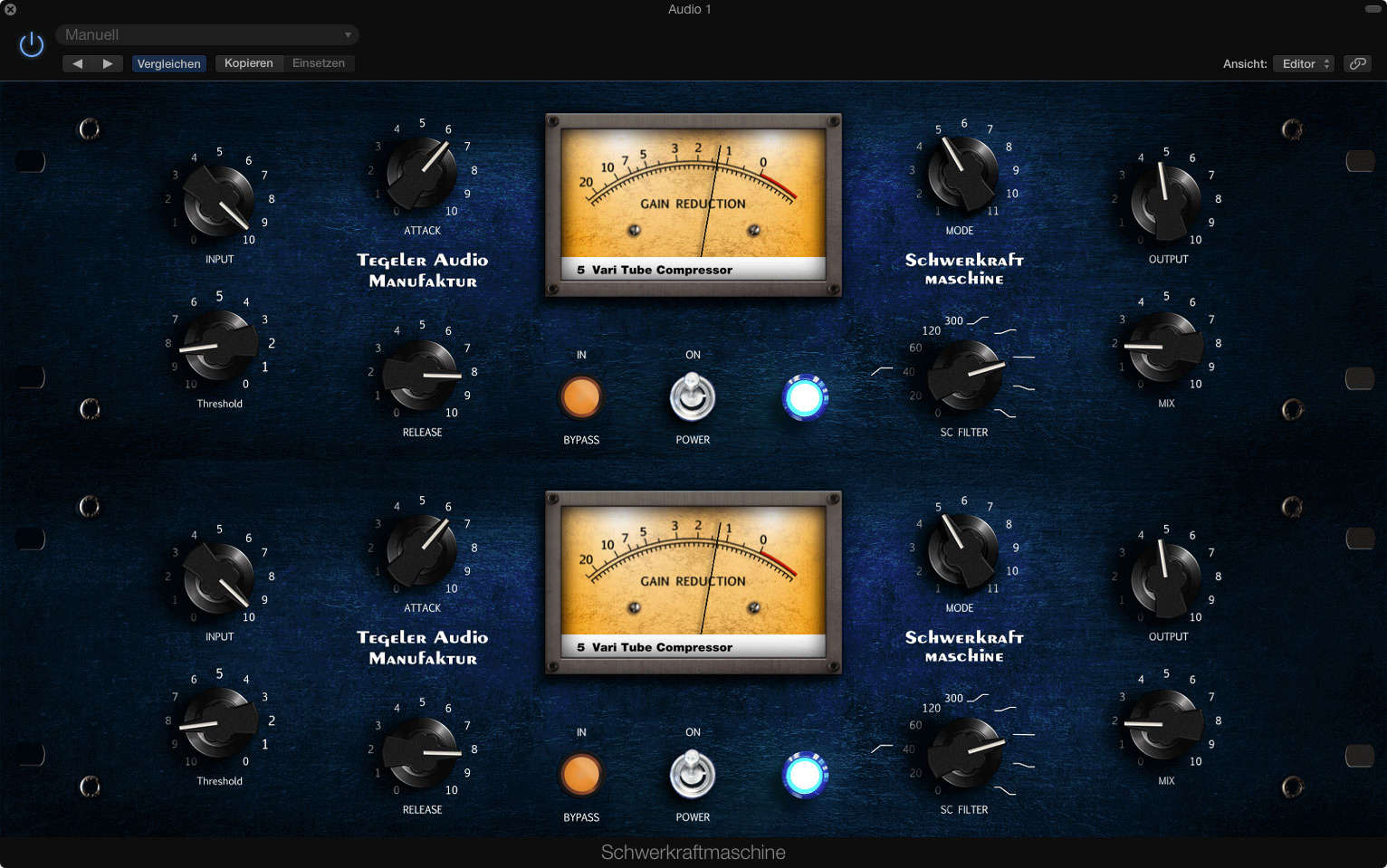
Dual mono mode
Both channels then operate independently of each other, so two separate tracks can be processed individually.
All controls can be set separately for the left and the right channel.
The only things the channels share: they always use the same mode, and the Stereo Transformer mode is not useful in dual mono.
Together with an LR/MS and MS/LR matrix, the Schwerkraftmaschine is also ideal for M/S compression.
Since the physical front panel cannot be duplicated, this mode cannot be controlled on the device itself, but only via the plug-in.
Schwerkraftmaschine, VTC, or Creme?
Choose the Schwerkraftmaschine when one compressor character is not enough: it covers everything from gentle Vari-Mu to hard VCA behaviour, it can be remote controlled, and its VTC mode covers the sound of our Vari Tube Compressor. Choose the VTC when you want exactly that one soft, organic tube and transformer character and will never switch. Choose the Creme when you are after the pragmatic all-in-one solution with EQ and a more analytical compressor.
Photos
Videos
Review
Tegeler Schwerkraftmaschine Outboard Stereo Tube Multi Compressor
English / English
11 Compressors in 1 Analog Rack! | Tegeler Schwerkraftmaschine
English / English
Es este el único compresor que necesitas en tu estudio?
Español / Spanish
Schwerkraftmaschine: L'ultime bus compressor!
Français / French
11 Compressori Sono Abbastanza? | Schwerkraftmachine
Italiano / Italian
단 하나의 컴프레서만 사야된다면? 모드가 흘러넘치는 Tegeler Audio Schwerkraftmaschine (SKM) 리뷰 입니다
한국어 / Korean
Tegeler Audio Schwerkraftmaschine レビュー。11種類のコンプがこの1台に!!
日本語 / Japanese
Greg Wurth
Have You Tried The Schwerkraft Maschine by Tegeler Audio?
English / English
Tegeler Schwerkraftmaschine : Remote Controllable Vari-Mu Mastering and Bus Compressor
English / English
Larsipilami
HOW TO | EPISCHE FILMMUSIK Creme RC & Schwerkraftmaschine
Deutsch / German
Schwerkraftmaschine Tegeler Audio Manufaktur Michael zeigt den Compressor
Deutsch / German
MOST AMAZING MUSIC TOOL MONEY CAN BUY - Tegeler Schwerkraftmaschine
English / English
Sound Demo
Schwerkraftmaschine Multi Band Complex Mode (no talking)
English / English
Schwerkraftmaschine Diode Pressor Mode (no talking)
English / English
Schwerkraftmaschine Breakthrough Mode (no talking)
English / English
Schwerkraftmaschine Stereo Transformer Mode (no talking)
English / English
Schwerkraftmaschine Vari Tube Compressor Mode (no talking)
English / English
Schwerkraftmaschine Vocal Leveler Mode (no talking)
English / English
Schwerkraftmaschine Optical Compressor Mode (no talking)
English / English
Schwerkraftmaschine Drum Smasher Mode (no talking)
English / English
Schwerkraftmaschine Classical VariMu Mode (no talking)
English / English
Schwerkraftmaschine Chart Analysis Mode (no talking)
English / English
Schwerkraftmaschine DeEsser Mode (no talking)
English / English
Schwerkraftmaschine Sidechain Filter (no talking)
English / English
How to emulate other compressors with the Schwerkraftmaschine: Inward Connections The Brute
English / English
Tegeler Audio Manufaktur Schwerkraftmaschine | Sound Samples - Mix, Bass, Guitars, Drums & Vocals
English / English
Features
Features
- Stereo device
- Transformer balanced inputs and output
- Frequency response: 20 Hz – 24 kHz
- Vari-Mu Compressor
- Digital side-chain
- 11 Compression modes
- Side-chain filter as Low-cut from 0–300 Hz or tilt filter
- Controllable by the webpage of the device or by plug-in (VST, AU, AAX)
- Servo Pots
- Dynamic: ≥ 110 dB unweighted
- Attenuation-to-crosstalk ratio L/R > 90 dB @ 1 kHz
- Internal Power Supply (25 W)
- Height: 132 mm (3 U), width: 483 mm, depth: 250 mm
Specifications
- Frequency Response: 20 Hz - 24 kHz
- Maximum Input Level: +20 dBu
- Input Impedance: ≥ 2.4kΩ
- Output Impedance: < 600 Ω
- Maximum Output Level: +24 dBu
- Dynamic Range: ≥ 110 dB
- Voltage: 100–240 V~/50–60 Hz
- Fuse: 2 A slow-blow
- Maximum Power Consumption: < 25 W
- Dimensions: 3 U, H: 132 mm, W: 483 mm, D: 250 mm
Reviews

Sound On Sound Award 2018
- 2018-02
- Sound On Sound
Winner of the Sound On Sound Award 2018 in the category "Best New Effects & Processing Hardware", voted by the readers of Sound On Sound magazine.

Pro Tools Expert Editor's Choice Award 2017
- 2017-12
- Dan Cooper
"A future classic." Dan Cooper awarded the Schwerkraftmaschine his first ever Hardware Pro Tools Expert Editor's Choice Award.

Al Schmitt, Capitol Studios
- 2019-04
- Al Schmitt
"I love this tube compressor, it’s a wonderful instrument and I don’t mix without it. Everyone should check it out! This is my new favourite piece of gear. Amazing!"

Greg Wurth (Video Review)
- 2018-05
- Greg Wurth
"The unit sounds fantastic [...] the icing on the cake is really the 11 different compression modes, it's a super versatile unit."
"[...] it's been amazing, i used it recently on a record i mixed and every song had a different setting and it just opens up with the session - I can't ask for anything better than that!"

Marc Daniel Nelson (Video)
- 2018-09
- Marc Daniel Nelson
"The first thing i put it in was actually this album and it just enhanced it to the point where i was so excited that i kind of found a new colour that instantly gave me a smile."

Zed Marty (Video Review)
- 2018-01
- Zed Marty
"It's basically the best compressor that I used so far!"
FAQ
64-bit is backwards compatible up to version 10.13
- Standalone (beta)
- VST
- VST3
- AU
- CLAP (beta)
- AAX
Windows 10/11
all AMD64 systems
- Standalone
- VST
- VST3
- CLAP
- AAX
For economic and environmental reasons, we refrained from throwing away everything with the old logo. Instead, we will replace all parts and materials piece by piece. Of course, when you buy a unit, you get the same quality no matter what logo is on the outside.
Also:
The plug-in will detect the Schwerkraftmaschine automatically if both are in the same network.
Use the plugins context menu to show the IP address of the Schwerkraftmaschine. You can also go directly to the Schwerkraftmaschine's website from the context menu.
The Schwerkraftmaschine gets its IP address from a local DHCP server in you network. You will find the DHCP server in your internet router or network server. Look for a list of taken IP addresses.
- Check if you have the latest plug-in version installed.
- Windows: Add a share for your DAW(s) to Windows Defender or other firewalls or antivirus programs: https://www.youtube.com/watch?v=IDewmCvFs2M.
- If that doesn't help, email contact@tegeler.com with the following information:
A detailed error description incl. OS version, DAW version, Plugin version, What exactly happens after you do what?
Please send us screenshots of your network settings if applicable (see Quickstart Network Guide).
Option 1
Use a Wifi repeater with LAN connector.It builds a bridge between the ethernet of the device and your Wifi network.
Option 2
Connect the device via network cable to your computer and enable internet sharing.The device needs a DHCP server to get an IP address. Bridge the two network connections on your PC so the router's DHCP server can reach the device.
- Open
Control Panel→Network and Internet→Network Connections - Select both network interfaces (your router connection and the TAM device connection) by holding Ctrl and clicking both
- Right-click and select
Bridge Connections
The device will now receive an IP address from your router and will be found by the plug-in automatically.
Set a static IP address on your PC's Ethernet interface manually.
- Open
Control Panel→Network and Internet→Network Connections - Open the
Propertiesof the Ethernet interface connected to the device - Select
Internet Protocol Version 4 (TCP/IPv4)and clickProperties - Select
Use the following IP address - Enter IP address:
10.20.30.1, Subnet Mask:255.255.255.0 - Click OK
Then open the plug-in and enter the IP address of your device manually:
10.20.30.40for the Schwerkraftmaschine10.20.30.41for the Raumzeitmaschine10.20.30.44for the Creme RC
Click OK. The plug-in will connect directly to the device.
Set a static IP address on your Mac's Ethernet interface manually.
- Go to
System Settings→Network - Select the Ethernet interface connected to the device
- Under
Configure IPv4, selectManually - Enter IP address:
10.20.30.1, Subnet Mask:255.255.255.0
Then open the plug-in and enter the IP address of your device manually:
10.20.30.40for the Schwerkraftmaschine10.20.30.41for the Raumzeitmaschine10.20.30.44for the Creme RC
Click OK. The plug-in will connect directly to the device.
Simply set up an Internet share for your Mac's network interface.
Go to
System Preferences->Shares, select Internet Sharing on the left. At
Share connection, select your internet connection (e.g. WLAN). At
With computer via: select the interface that is connected to the device. 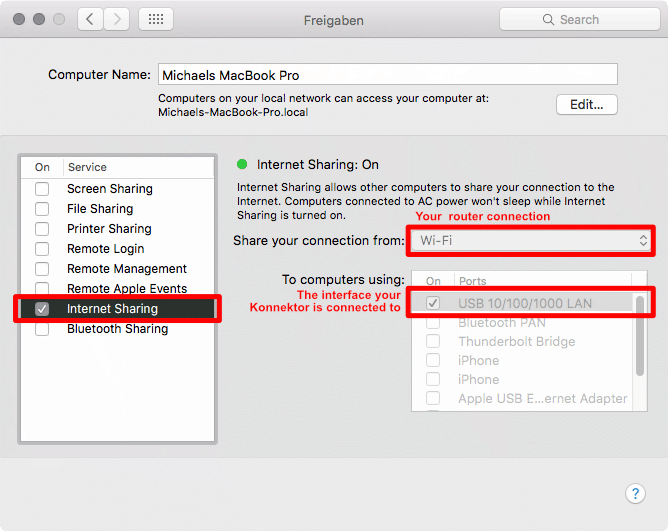
Now the device will get an IP address and will be found by the plugin.
Please fill in the form before: Fill in the RMA form.
In the USA, we have a partner who handles repairs on our behalf to make things easier for you.
Please contact the Audio Collective Group at customerservice@audiocollectivegroup.com to discuss the next steps.
Right-click on the plug-in interface and check "Ignore empty presets" to fix this.
Downloads
Plug-in
Manual
Previous versions- Linux Version 2.6.0
- macOS Version 2.6.0
- Windows Version 2.6.0
- Linux Version 2.5.0
- macOS Version 2.5.0
- Windows Version 2.5.0
- macOS Version 2.3.10
- Windows Version 2.3.10
- macOS Version 2.3.7
- macOS Version 2.3.5
- Windows Version 2.3.5
- macOS Version 2.2.16
- Windows Version 2.2.16
- macOS Version 2.2.9
- Windows Version 2.2.9
- macOS Version 2.2.8
- Windows Version 2.2.8