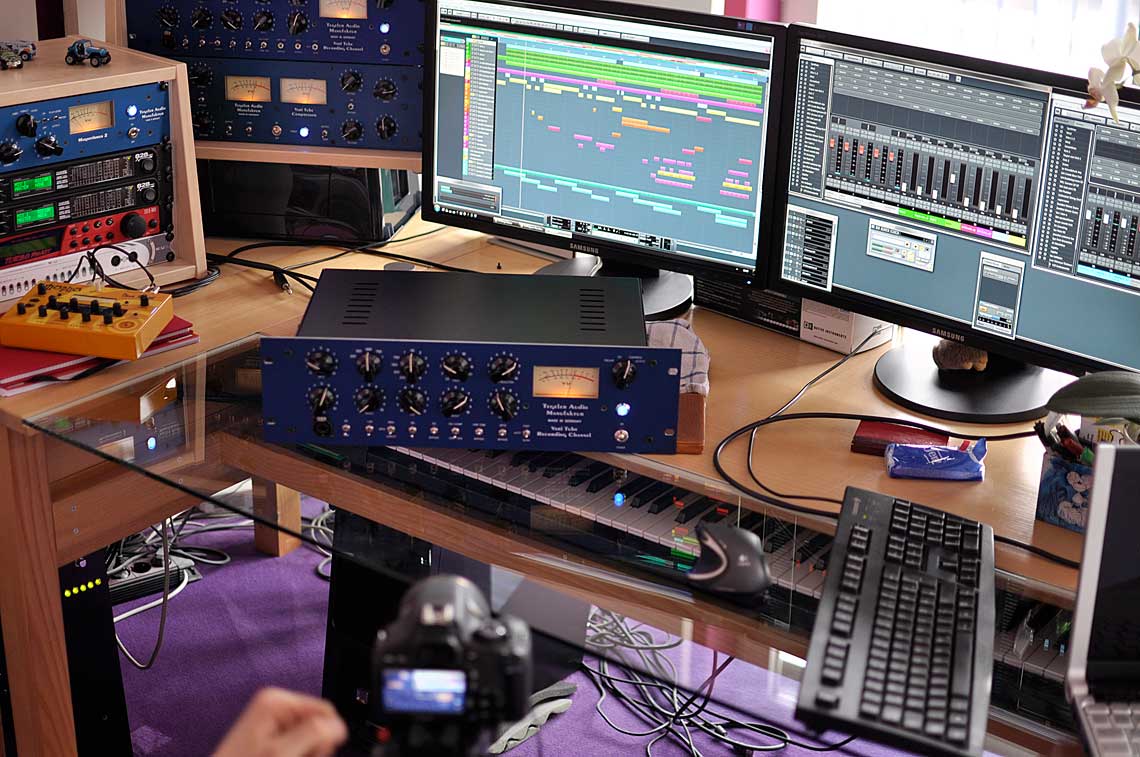
Audio examples: Vari Tube Recording Channel in comparison
- 12.06.2013
- Michael Krusch
- Artikel
- Video
- VTRC
This time, just for you, we tested various settings while recording vocals, always comparing them against the direct digital input signal.
We'll show you how to fit a vocal into your mix warm and present using the Vari Tube Recording Channel.
-
The vocals were recorded with a large-diaphragm microphone connected directly to the mic input of a MOTU 828 MKIII.
This clean recording is now to be lifted to a professional level with the help of the VariTube Recording Channel.
For the first pass, we turned the gain controller all the way up, with a small amount of additional boost from the input controller.
This feeds as much of the VTRC's sound character into the recording as possible.
The equalizer and compressor are still switched off and have no effect on the signal. The other switches are in their default position, except for the low-cut filter - this is engaged to free the signal from unwanted low-end rumble.
The vocal recording gains presence and smoothness from the preamp alone. - In the 2nd comparison, we engaged the equalizer to shape the sound. The EQ gently lifts the highs, giving them a very fine, airy quality.
-
Next, a bit of VariTube compression.
After choosing a suitable compression setting, we also raise the output level slightly to compensate for the level reduction caused by the compression.
The VariTube compressor now gives the vocal excellent, naturally-feeling punch in the mix, while still sounding gentle. -
Now we try the opto compressor instead of the VariTube compressor:
This one, too, gives the vocal more definition and presence in the mix while still sitting perfectly despite that presence.
Compared to the VariTube compressor, the voice sounds more open and less compressed. -
In the end, we decided to use a combination of both compressors. This creates a special sound character.
We slightly reduced the compression strength to avoid over-compression. Now the vocal sits perfectly in the mix — very present, but not too loud.
Just for fun, we also tried to recreate the sound of the VTRC using the Pultec EQ, LA-2A, and Fairchild plugins from a well-known DSP card manufacturer, but we quickly gave up on that.
Watch the video with the audio examples, and best of all, try the VTRC yourself in your own studio. Experience the refined analog sound of the VTRC in your mix:
Register now
